How to enable portal access for your customers?
Updated Dec 06, 2025
Your customers can log in to your eCommerce site or portal to place orders or access their documents. The portal access can be enabled for either a company or an individual contact.
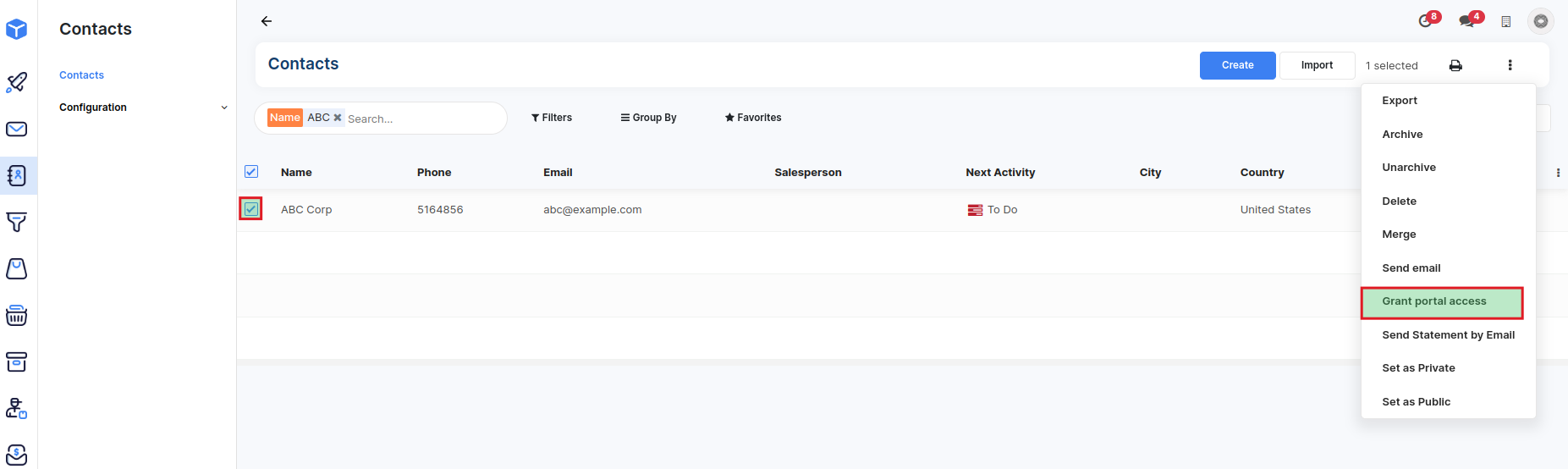
Navigate to the Contacts menu and switch to the List view and search for the contact.
Select the contact(s) you wish to grant access to and select Grant Portal Access from the Actions menu.
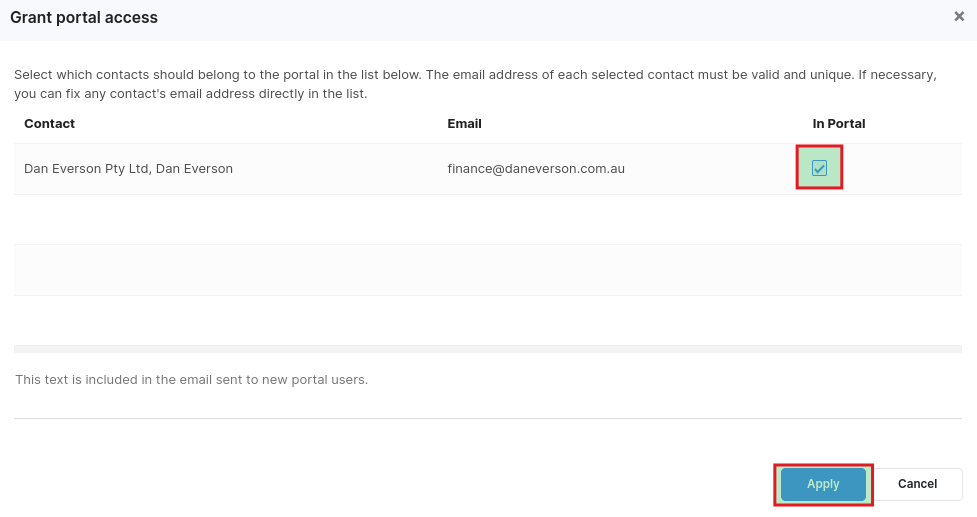
Enable the "In Portal" checkbox for the contact in the pop-up and click on Apply. An email containing instructions to set up a password is automatically sent to the selected contacts.