Where can I see a list of activities and when they are due?
Updated Dec 06, 2025
To see a list of activities categorized by when they are due, you have three possible options:
Using the CRM -> Pipeline view
Activities in the pipeline view are automatically color-coded to make it easier for you to identify when they are due. You will be able to see these color codes in the CRM -> Pipeline view on each column. Green is activities scheduled for a future date, Yellow is for due today and Red is for overdue. Clicking on a color code automatically filters the list to show only opportunities that have activities matching the color code.

Using the My Activities menu
Navigate to CRM -> My Activities to see a detailed view of all activities.
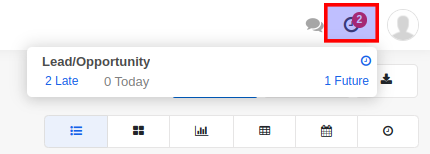
Using the Activities icon on the top panel
This is a centralized view of activities across all modules.