
Managing multiple currencies
Updated Dec 06, 2025
Enable Multi-Currency Mode
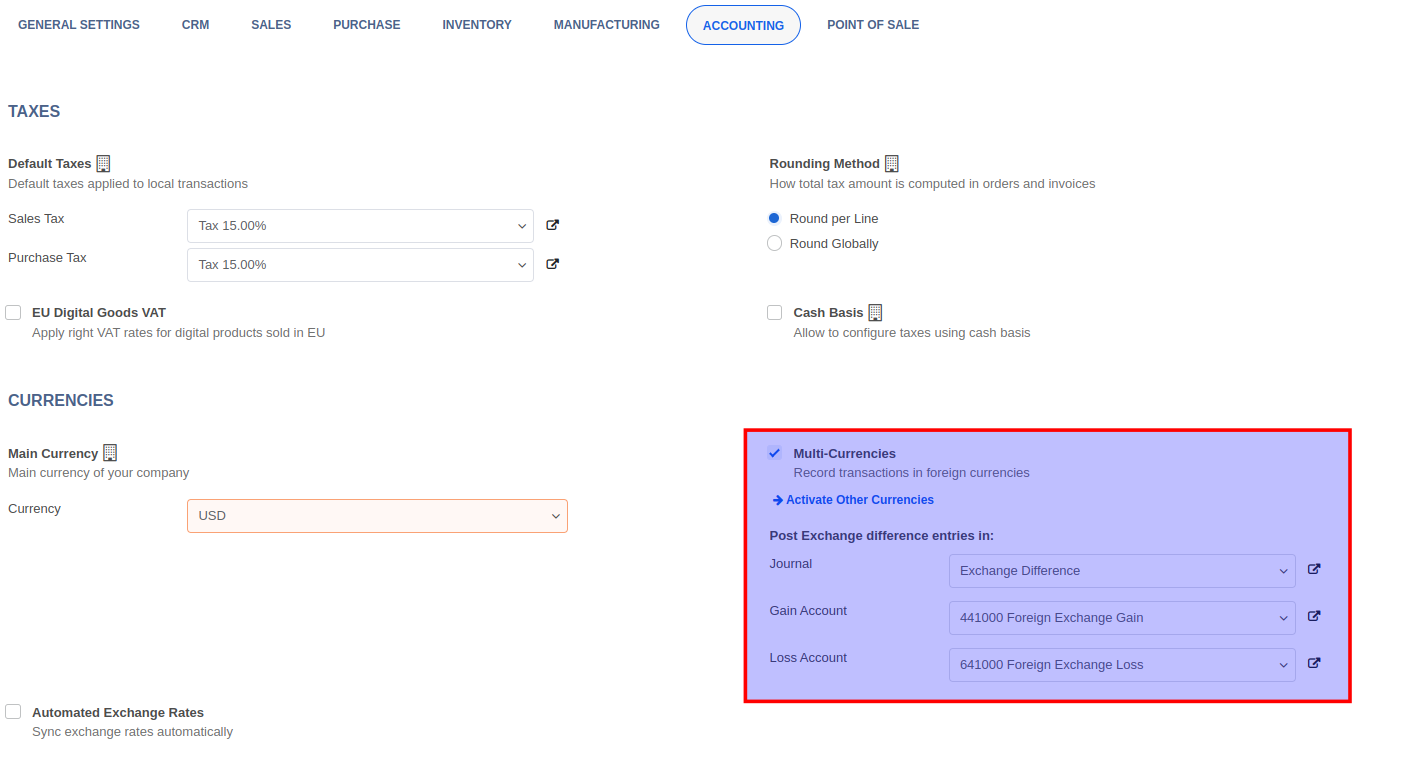
To enable multi-currency, navigate to the Invoicing -> Configuration -> Settings menu and enable the Multi-Currencies setting.
Activating Currencies
To activate the required currencies, click on the Activate Other Currencies link. In the list of currencies that appear, simply toggle the Active switch to activate a currency.

Updating Exchange Rates
To update the exchange rate for a currency, go to Invoicing -> Configuration -> Accounting -> Currencies and click on the currency record then click on the Rates button.
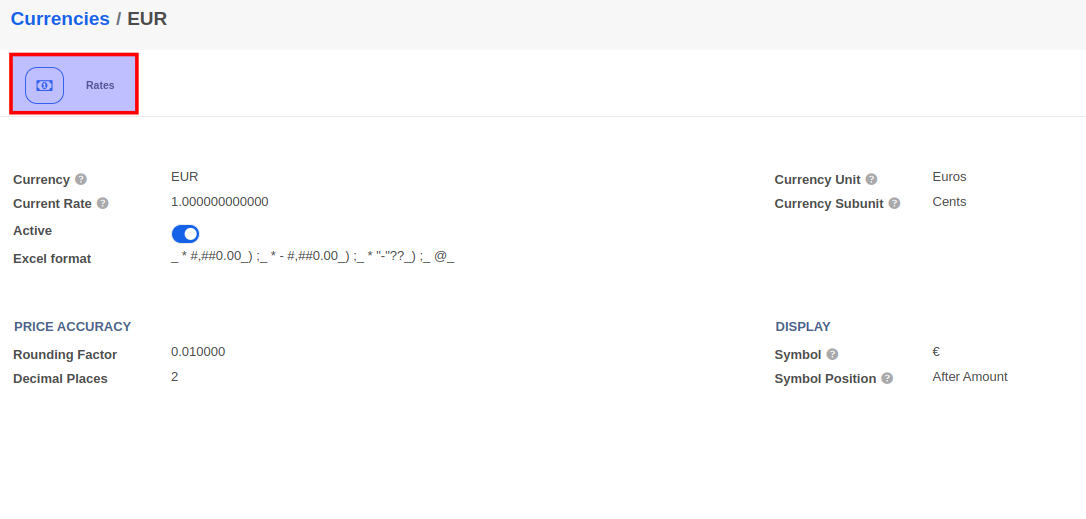
Create an exchange rate for a specific date by clicking on the Create button.