How to use a different invoice address and delivery address for quotes and orders?
Updated Dec 06, 2025
Quotes and order forms, by default, only display one customer address field. This field is used as both the invoice address and the delivery address.
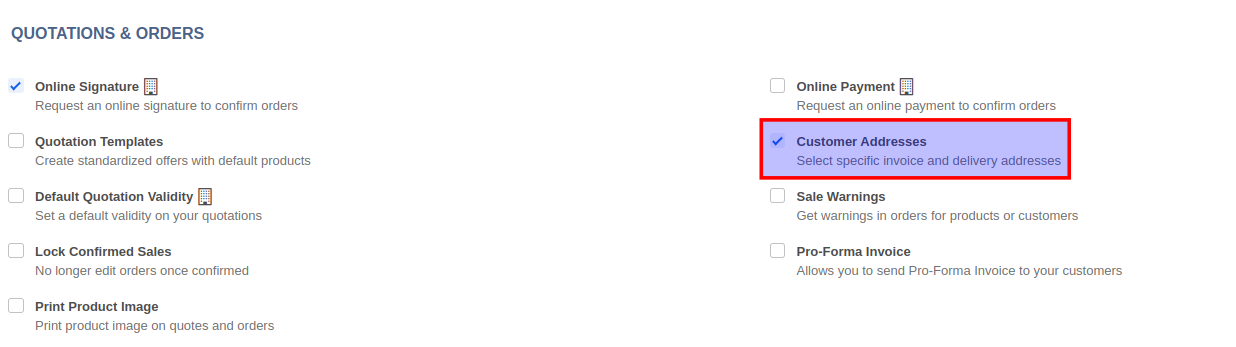
To use a different invoice address and customer address, enable the Customer Addresses option from Sales -> Configuration -> Settings. Once you enable this option, click on the Save button. The page will reload upon saving, and the quotation/orders screen will now display three separate address fields.