How to schedule activities for an opportunity
Updated Dec 06, 2025
AccelGrid offers multiple ways to schedule activities for an opportunity:
From the pipeline view
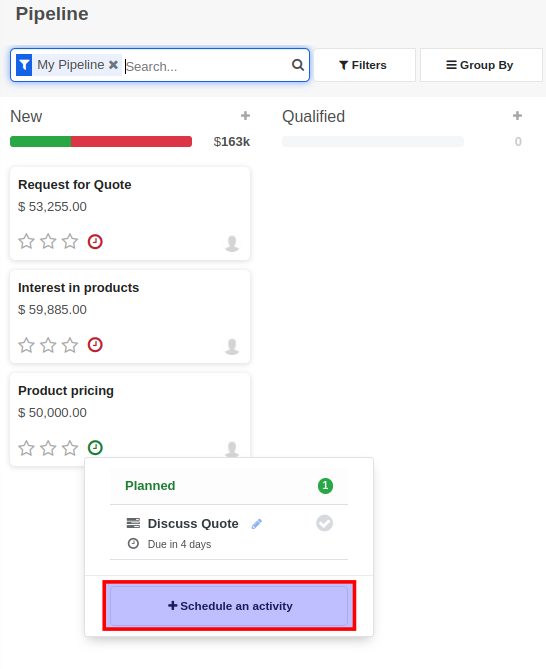
To schedule activity from the CRM -> Pipeline view, simply click on the clock icon on the specific opportunity and then click on the Schedule Activity button.
From the opportunity form
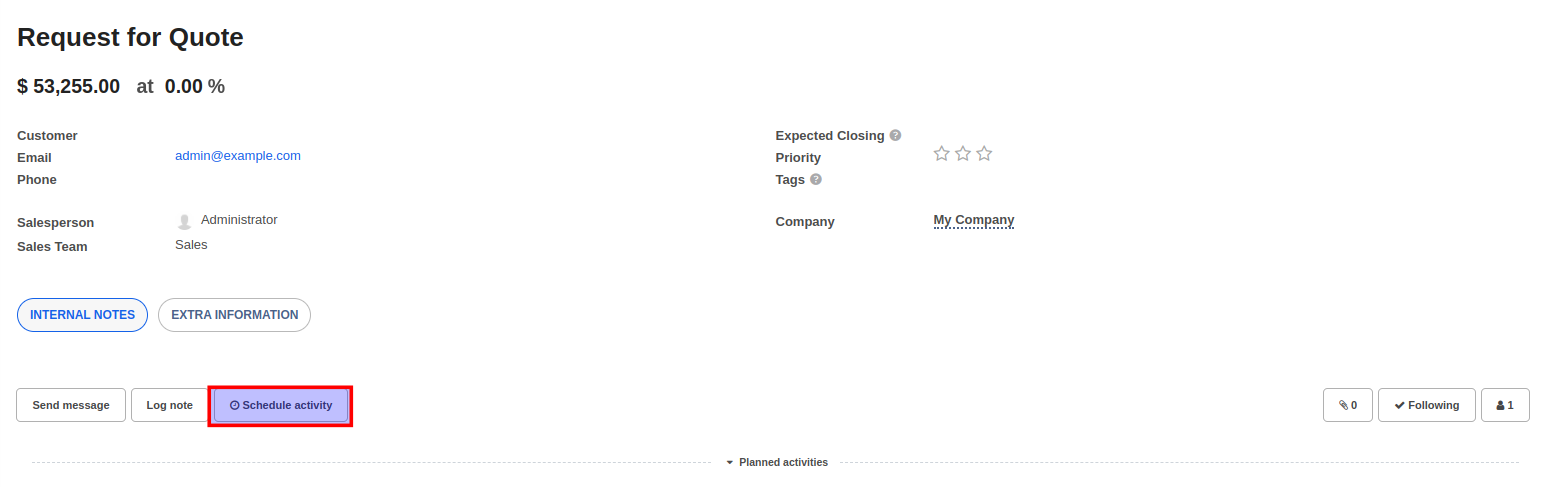
To schedule activity from the opportunity form view, simply open the opportunity record by clicking on it and click on the Schedule Activity button that appears beneath the form.