
How to setup contacts, invoice and delivery addresses for customers?
Updated Dec 06, 2025
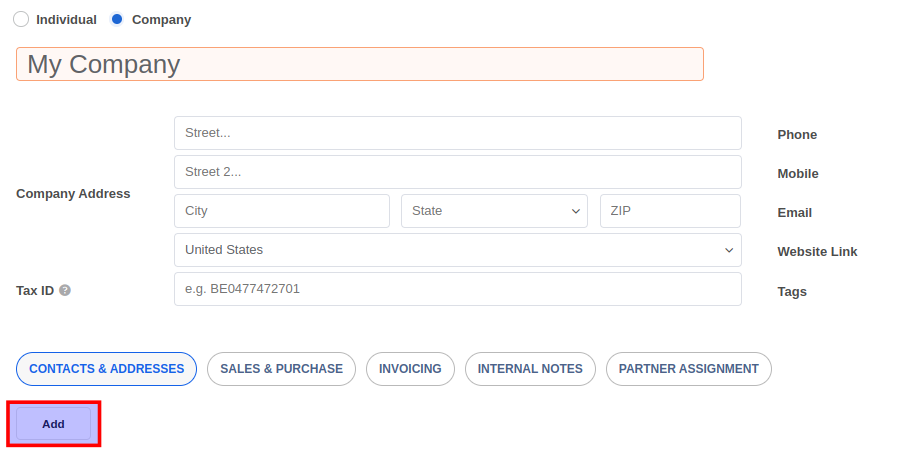
To setup contacts, invoice, or delivery addresses for a customer, navigate to Sales -> Customers, or Contacts menu and open the contact record. Under the Contacts and Addresses tab click on the Add button.
In the popup form select the contact type and enter the details. Click on the Save & New button to save the existing contact and create a new one. Click on the Save & Close button when done.